
Tradespeople
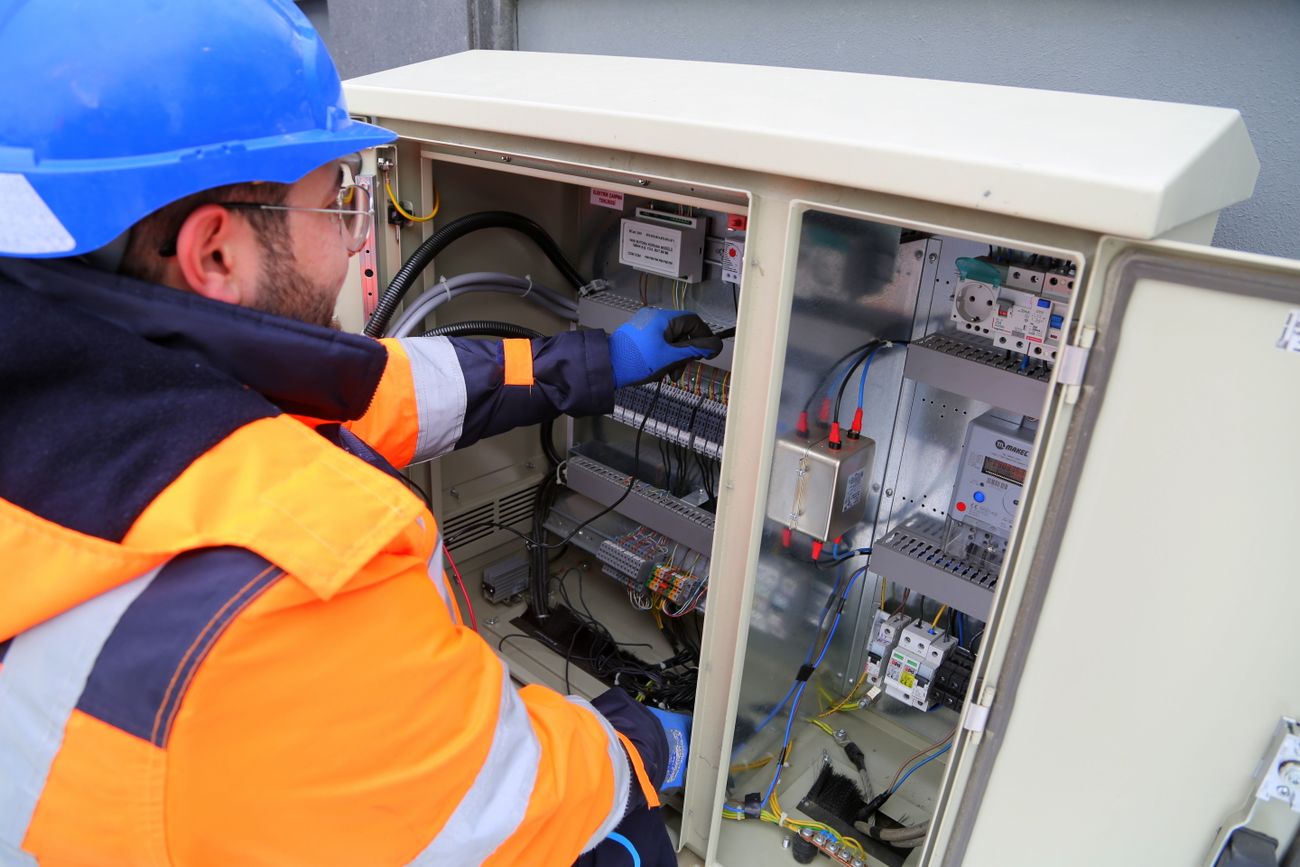
Receipts from the builders’ merchant, the hardware shop and the fuel station. Photograph the receipt. Get back to work.
ClevrFox is the iPhone app for sole traders in Ireland and the UK. Photograph each receipt when you get it, and send your accountant tidy, complete records whenever they ask for them.
Free for 10 scans a month. No account to set up. Nothing leaves your phone until you choose to send it.
ClevrFox does not replace your accountant. It makes sure they get every receipt, in order, without you sitting down to sort a bag of paper.
Receipts from the builders’ merchant, the hardware shop and the fuel station. Photograph the receipt. Get back to work.

Fuel, parking and lunches between clients. Log each journey and attach its costs to it, so nothing is missed.

Phone, broadband and software bills arrive as PDFs. Import them straight in, with no printing and no retyping.
Three steps, all on your phone. You stay in charge of your records from the first receipt to the file your accountant opens.
Photograph a receipt, scan a stack in one go, import a PDF bill or say a cost out loud. ClevrFox reads the shop, the date and the total on your phone.
Every cost is filed under one of nine fixed tax headings. ClevrFox notices the expenses you are likely to forget, and shows anything still waiting for a photo.
One tap sends your accountant a spreadsheet in the format their software uses, every receipt image numbered to match, and a summary for the year.
No bank connection, no invoicing, no bookkeeping to learn. Just your costs, kept properly, ready for the person who does your tax.

Your receipts show who you buy from, where you drive and what you earn from. They belong to you, so they stay with you.
Accountants and bookkeepers can set ClevrFox up for their clients once, on our free page. After that, every file you send arrives in the layout their software imports.
Your accountant does not need to change how they work, buy anything or learn a new system. Nothing connects to their systems. You send a file when they ask for it.
| No. | Date | Supplier | Account | Total | VAT |
|---|---|---|---|---|---|
| 0041 | 03/10/2026 | Kelly’s Hardware | 473 | 84.20 | 15.74 |
| 0042 | 04/10/2026 | Roadside Fuel | 449 | 65.00 | 12.15 |
| 0043 | 06/10/2026 | Corner Café | 420 | 12.40 | |
| 0044 | 09/10/2026 | Town Print Shop | 400 | 95.00 | 17.76 |
| 0045 | 12/10/2026 | Mobile phone bill | 489 | 30.00 | 5.61 |
Switch on Care costs and ClevrFox keeps those receipts completely apart from your business records, ready for a tax relief claim.
Nursing home fees: relief at your highest rate of tax. Most other medical costs: relief at the standard rate.
Claims can be made through Revenue’s myAccount, and can go back four years.
Check with your accountant or Revenue if you are unsure. ClevrFox keeps the records. It does not decide what you can claim.
Try every feature free. When you need more than 10 scans a month, one yearly subscription covers everything.
Price in Ireland, including VAT. The price in pounds for the UK is shown in the App Store. The subscription renews each year until you cancel it.
No. Download ClevrFox and start. There is no sign-up, no password and no email address to give us.
On your iPhone. ClevrFox has no server holding your records. Use Back up everything in Settings to save a copy to iCloud Drive or Files whenever you like.
Install ClevrFox on the new phone and use Restore from backup. Your receipts, photos, journeys and settings come back from your latest backup. Without a backup, the records cannot be recovered, because we never held a copy. ClevrFox can remind you to back up.
No. ClevrFox keeps your expense records and sends them to your accountant. It does not file tax returns and does not tell you what you can claim. Those decisions stay with you and your accountant.
ClevrFox exports a Bills CSV ready to import into Xero or QuickBooks Online. For any other software, or for an accountant who works in spreadsheets, it sends the standard ClevrFox spreadsheet, which opens in Excel.
No. ClevrFox reads the VAT when the receipt prints it, and never calculates or guesses it. If a receipt shows more than one VAT rate, ClevrFox asks you to enter it yourself.
Yes. Everything works without one, and you can send the file to yourself. If you are looking for a bookkeeper or accountant, see Find a bookkeeper.
Yes. Choose the UK in Settings and ClevrFox uses pounds, miles, UK VAT rates, the April to April tax year and SA103F headings.
Not yet. ClevrFox is available for iPhone.
Subscriptions are managed by Apple. Open the Settings app on your iPhone, tap your name, then Subscriptions, and choose ClevrFox. Your records stay on your phone after you cancel.
More answers on the help page.

Start free today. Your first 10 scans each month cost nothing.
Get ClevrFox on the App Store